I've forgotten my password
If you have forgotten your password, you can click the forgotten password link on the login password entry page.
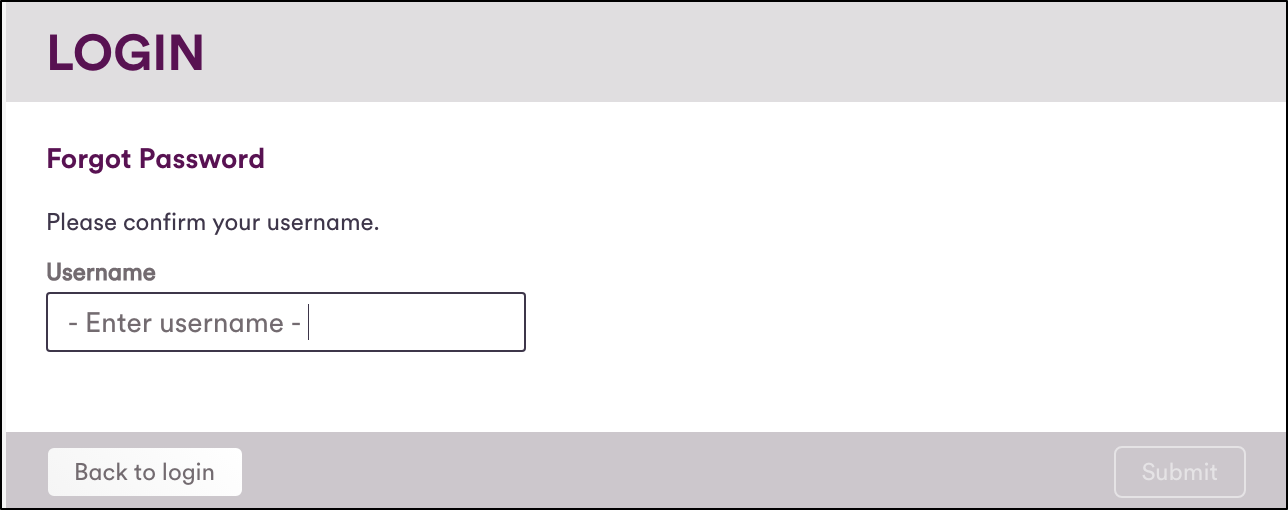
You will be asked to confirm your username (by default this is you email address). You will then receive a email containing a password reset link. Follow this link to select a new password for your account.
I didn't receive the password reset email
If you haven't received the password reset email after a few minutes, please check your junk/spam folder. If the email still hasn't arrived you can submit another request. You may have to wait up to two minutes between requests.

If you have still not received the password reset email it may be being blocked. Please contact your administrator.
I don't have access to my email account
If you have forgotten your password and have lost access to your email account, you will be unable to reset your password via self-service. Please contact your administrator.
I've received a password reset email but didn't request one
This could have happened for a number of reasons, for example someone with a similar email address may have mistyped it into the username confirmation field.
If you've received a password reset email you didn't request it can be safely ignored. The link will expire after a period of time and your existing password will remain the same.